Job records for a water tank cleaning business
Record the tank, the agreed cleaning work and what happened on the visit. Keep any separate testing or repair work clearly identified.
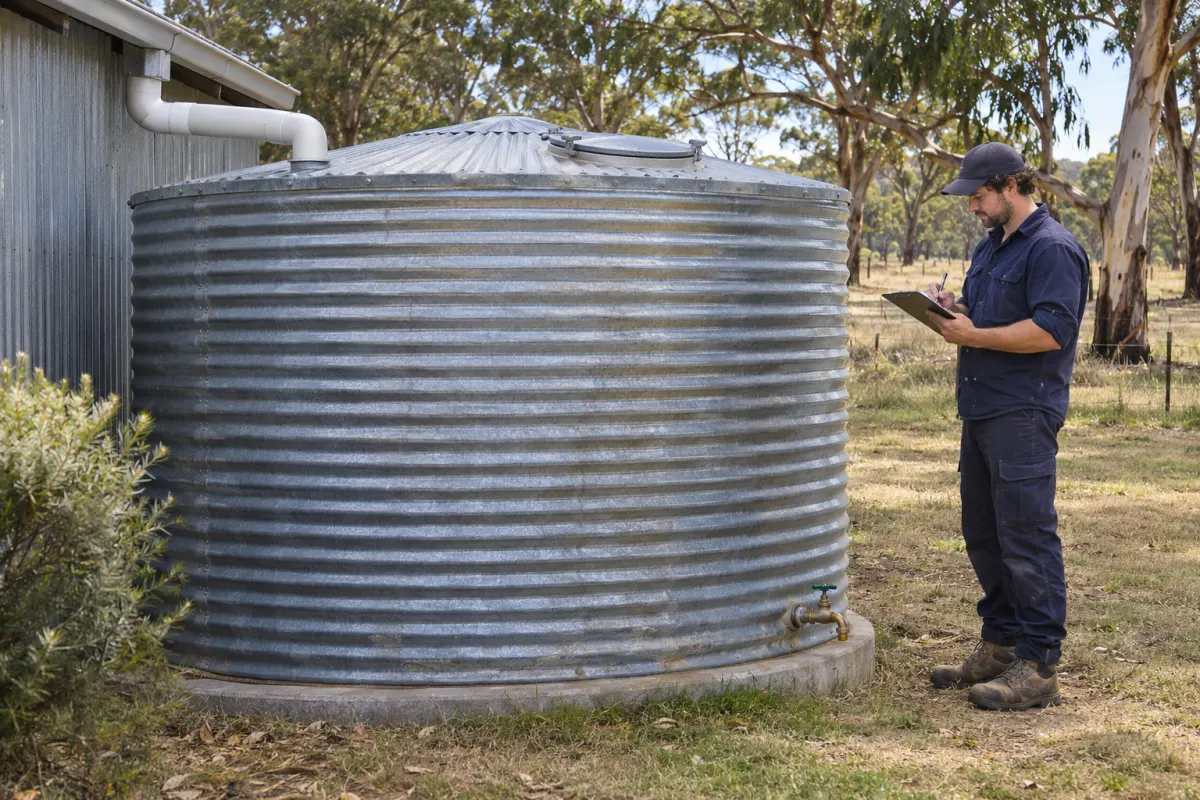
The customer asks when their water tank was last cleaned. The office can find an invoice, but it doesn’t say which tank was serviced or what the crew recorded.
A useful cleaning record connects the property, the individual tank and the visit. It helps your team prepare the next booking and answer the customer’s question without relying on the technician’s memory.
Identify the tank
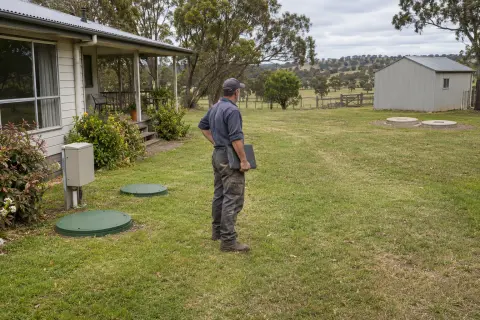
Give each tank its own record or stable reference. An address may have several tanks with different uses, locations and access requirements. Label the record in a way the crew can match to the property, such as the tank beside the shed, and add a location photo where useful.
Record the details that affect booking and preparation: tank type, known size, location and the work requested. Distinguish confirmed information from a customer’s estimate. If you discover that an old record is wrong, correct the record and note when it was checked.
Keep the person approving the work separate from the person meeting the crew. For managed properties, confirm where the quote, report and invoice should go before the visit.
Record the agreement
Describe the scope of the cleaning job in the quote or booking. State which tank is included and any access or preparation agreed with the customer. If the requested work changes on site, record the discussion and approval before carrying on with additional billable work.
Keep cleaning, repair and testing activities distinct. A completed cleaning record describes the cleaning work done; don’t use it to imply a water quality result that wasn’t tested. Any test report needs to be linked to the correct sample and provider’s actual result.
Confirm how the customer should contact the office if circumstances change before the booking. A blocked access route or unavailable site contact is much easier to deal with before a crew travels.
Prepare the visit
Give the assigned staff the current access instructions, site contact and job scope. Put relevant hazards where they are visible in the normal job view, with a date and context. A warning in a years-old attachment is easy to miss.
Use your business’s work procedures and equipment requirements for the actual cleaning task. The record system should support those procedures, including a clear way for staff to report that they couldn’t safely complete the agreed work.
If coverage is unreliable, check that staff can open the assigned visit and save the required records before they leave the depot. A phone app that looks fine on office Wi-Fi still needs testing at the property.
Capture what happened
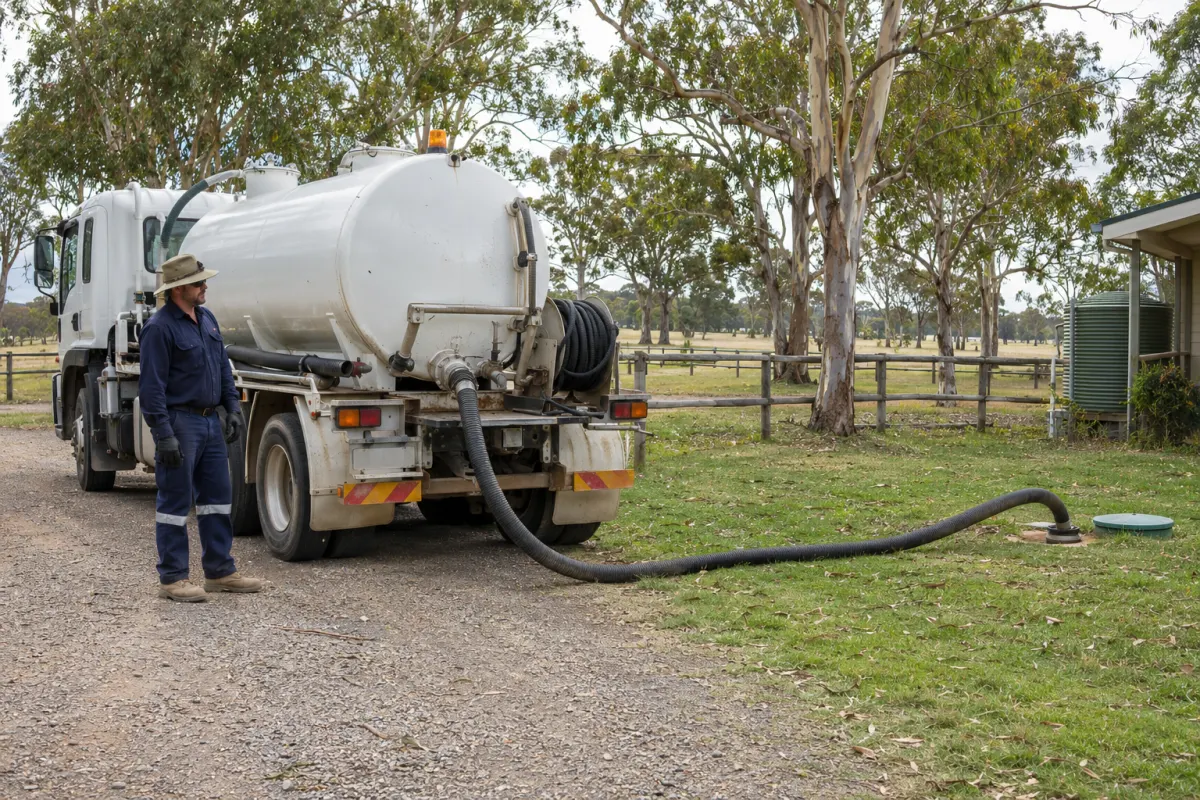
Record the service date, crew, work completed and any difference from the booking. Photos should identify the tank and show the relevant condition clearly, with an explanation where the image could be misunderstood. Keep unrelated people and private property details out of the frame.
A signature, where your process uses one, should have a clear purpose. Record who signed and what they acknowledged. It shouldn’t make an unfinished job look complete or suggest that a customer approved work they haven’t seen.
When a visit is incomplete, explain why and assign the next action. Staff covering the office need to know whether to contact the customer, obtain a quote or book a return visit.
Keep follow-up separate
A note about a damaged fitting needs an owner and a next step. Link the follow-up to the tank so it remains visible after the cleaning job is closed. If it becomes another job, retain the connection to the finding that prompted it.
Use the completed work to prepare the invoice, then check it against the agreed scope. Our invoice checklist applies to this handover too. Keep any future visit date tied to your agreement and relevant requirements, rather than applying an assumed interval to every tank.
Rangefront Waste links customers, sites and systems, with photos, field forms and history against the work. A water tank business should check its system categories and configured job forms during setup. The customer and site documentation shows the record structure; the software selection guide gives you a practical way to test the fit using one of your own cleaning jobs.