Wastewater service report checklist
Check the parts that cause rework before issuing the report: the system, the visit, unexplained answers and the people who need a copy.
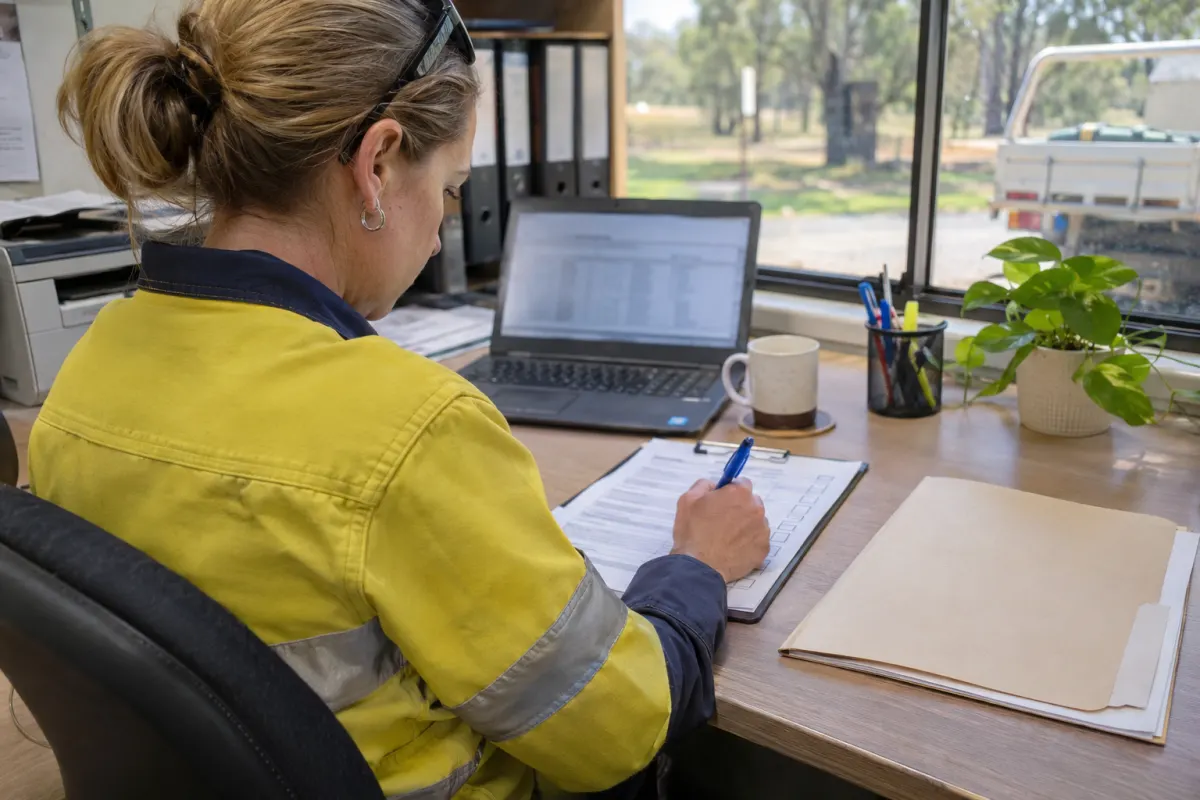
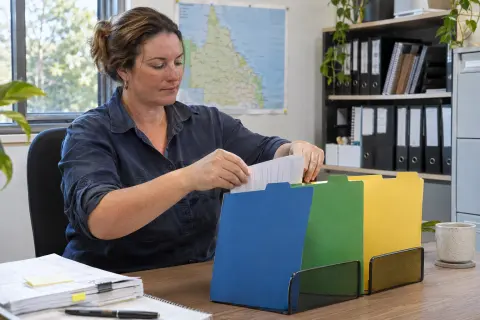
An office review should catch a wrong property or an unexplained result before the customer opens the report. It shouldn’t mean typing the technician’s entire form again. Give the reviewer a short sequence that makes those mistakes visible, with a clear route back to the person who did the work.
Use this as an operational review alongside the approved form and instructions for the particular visit. For Queensland treatment plant servicing, see our Form 11 guide. Different work can need different paperwork, so don’t make one generic checklist stand in for every report.
Confirm the record first
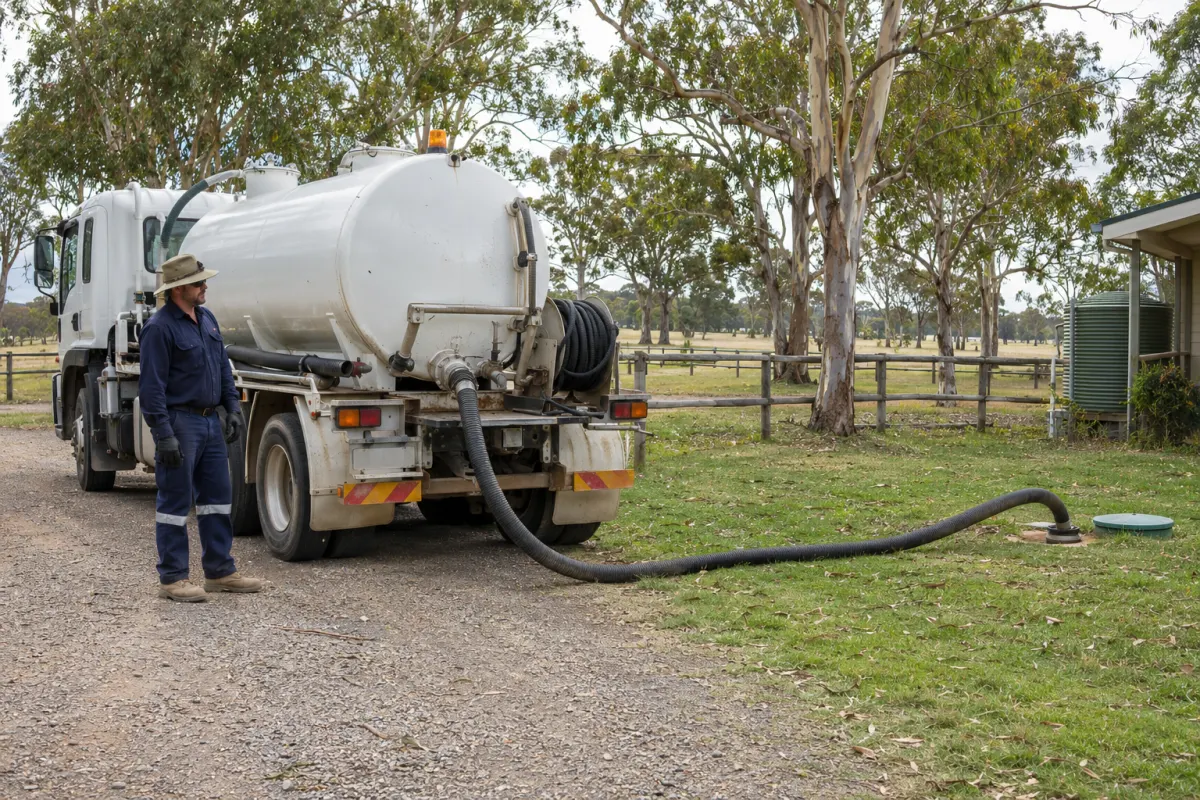
Start with the site and system. Compare the job address, system identifier and service date with the report. At a property with several units, the brand and model may look familiar while the report belongs to a different plant. A specific system number or tag is more useful than memory.
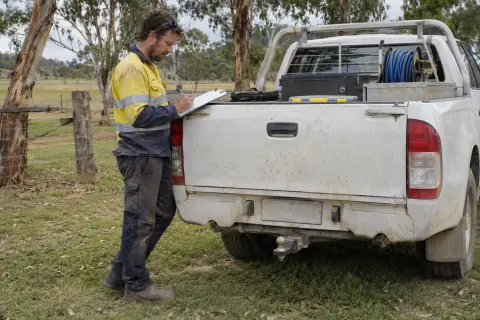
Check that the booked work and recorded work agree. If the technician attended but couldn’t complete the service, the report needs to describe that visit accurately. An arrival, a finished form and a completed service are different events. Resolve any mismatch before issuing a document that implies work was done.
The technician’s details should identify who attended. Where the relevant form asks for a licence number, check the actual field rather than assuming it will be added from an email signature.
Read the exceptions
Give the unusual answers most of your attention. An answer about a fault should agree with the written description and any photos. If a required check is blank, ask whether it was missed, not applicable or couldn’t be carried out. Each explanation leads to a different action.
Avoid correcting technical answers from the desk because they look untidy. Return the query to the technician and record their clarification. That preserves who observed the condition and prevents an office assumption becoming part of the service record.
Read measurements with their units where the form calls for them. This review is about complete, understandable records; judging whether a result is acceptable needs the applicable procedures and a suitably qualified person.
Open the attachments
A photo count can make a job look complete when the files are still uploading. Open the attachments you expect and check they belong to this visit. A close-up needs enough context or a caption to identify the component, especially when several systems look alike.
For signatures, confirm who signed and what part of the process the signature belongs to. Ask for a correction if the name or role is unclear. Our photos and signatures guide has a field capture routine that reduces those office queries.
Keep the original evidence with the job. If a marked-up photo helps explain a fault, preserve the unmarked image as well so someone can distinguish the annotation from what the camera recorded.
Give faults an action
A customer reading about a defective part will reasonably want to know what happens next. Check that the report’s description agrees with the separate fault record, then identify who will contact the owner or prepare a quote.
Don’t close the fault just because the service visit is complete. A defect follow-up process should keep it visible while approval, parts or another visit are outstanding. If the report includes recommended work, make sure the office can find that work without searching the PDF later.
Review the outgoing copy
Generate a preview and open it. Check that text hasn’t been cut off, the right attachments are included and the recipient can understand the summary. Confirm the owner or site contact details against the record; the person paying the invoice isn’t always the person nominated to receive the report.
Council submission needs its own check and tracking entry. Record where it went and what happened rather than using the customer email as evidence that every reporting task is finished.
Rangefront Waste puts completed field work into office review, with the checklist, photos, defects and costs on the job. Report delivery timing is configurable, so choose a review step that matches how your business operates. See wastewater management software for the wider workflow, then test one ordinary visit and one visit with a fault before changing the whole team’s process.