Treatment plant service history
A property can change owners or contain several systems. Give each plant a stable record so its service history remains understandable.
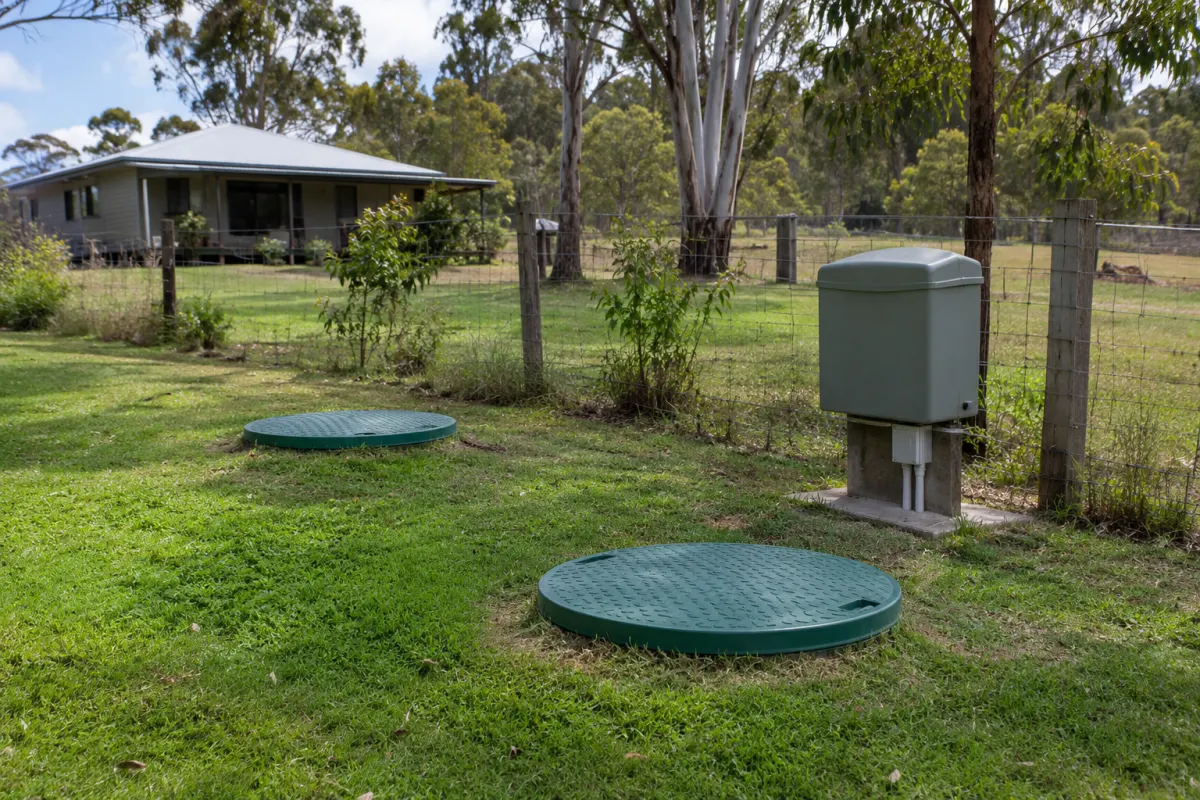
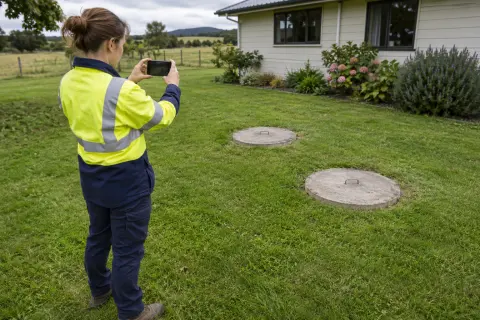
A crew opens the previous service report for a property and sees a repaired pump. On site, the unit in front of them doesn’t match the photo. The report was accurate, but it belonged to the other treatment plant behind the workshop.
Keep the history against the individual system, with the property and customer linked above it. That structure is useful even for a one-truck business. You can change a customer’s contact details without losing which unit was serviced, and a new technician has something more reliable than a familiar address.
Give the system a stable identity
Choose an internal system number that stays with the unit in your records. Add the identifying details you have checked, such as brand, model and serial number, and record its location at the site. Leave unknown details visibly unknown until someone confirms them.
Use a clear description when several units serve the same property. A system number plus its location helps the crew distinguish two otherwise similar plants. If you use physical QR tags, define who checks and attaches them so scanning a tag doesn’t simply repeat an earlier identification mistake.
Dates need a meaning as well as a value. Installation, last service and last pump-out describe different events. Keep them in separate fields and preserve the source when importing an old spreadsheet that doesn’t make the distinction clear.
Make each visit traceable
Link the visit to the system and keep its form answers, service report and attachments together. Someone reading the history should be able to see when the visit happened, who attended and what work was recorded.
For a property-wide job covering several systems, make the scope explicit. A note saying all units checked is difficult to use later if the report doesn’t identify the units involved. Ask your software supplier to demonstrate how a crew records that visit without copying the same evidence onto the wrong system.
Keep reports as issued. Later changes to a customer name or site note shouldn’t silently rewrite an old document. Our report review checklist covers checks before a document goes out; version history matters after that point.
Keep faults beside the history
An unresolved defect should remain visible when the next service is booked. Link the fault to the system, then link the follow-up visit and its outcome. That prevents a later technician assuming a recommended repair was completed because it appeared in an old report.
Read the history as evidence of what was recorded, rather than as a shortcut to a diagnosis. Similar wording across two services might justify asking a question, but it doesn’t establish the cause of the current condition. Make a fresh record of the current visit and refer technical assessment to the appropriate person.
The defect follow-up guide explains how approval, booking and resolution can be tracked without closing the fault early.
Clean imports before relying on them
When moving from paper or a spreadsheet, start with a sample of properties that have multiple systems. Match each imported row to the right customer, property and unit. Check duplicates using identifiers and evidence, rather than merging anything with the same street address.
Keep uncertain historical records labelled as such. An old file with no system identifier may still be useful at property level, but attaching it confidently to one of two plants creates false precision. Assign someone to resolve the match when reliable information becomes available.
After import, review the current due dates separately. Don’t let a missing old date turn into an invented last service. Your recurring schedule needs the interval and starting information appropriate to that system, checked against the relevant source by your business.
Test retrieval with a different person
Ask someone who didn’t set up the records to find the most recent service, the latest issued report and any open defects for one unit. Then give them a second system at the same site. If they need a verbal explanation, improve the names or links before adding more records.
Rangefront Waste links customers to sites and sites to systems. System records hold identifiers, service dates, coordinates and QR codes, while numbered issued reports remain as they were sent. Open defects appear against the related records. Try that chain in wastewater management software with a multi-system property, and check which history the crew can actually open during an offline test.