How to quote a septic pump-out
A pump-out price needs more than an address. Record what you know, what the customer has agreed to and what would change the charge.
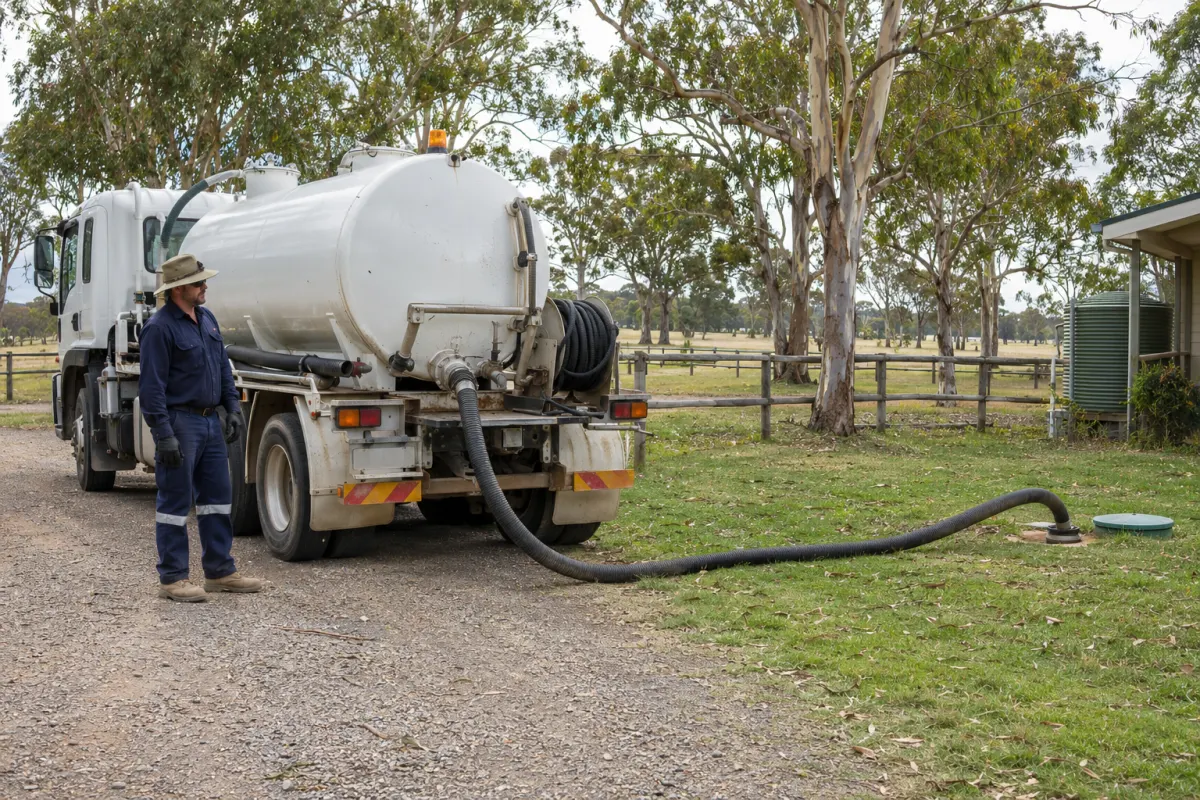
A customer asks what it costs to empty their tank. The office gives a price, the truck arrives, and the tank is larger or further from the access point than anyone expected. The disagreement starts before the hose is out.
A useful pump-out quote makes the assumptions visible. You can give the customer a clear answer without pretending you’ve inspected a property you’ve never visited.
Ask about the site
Find the existing customer, property and tank record before starting another quote. Previous pump-out notes can tell you about hose access, the tank location and who approved the last job. Read the date on those notes. A new fence or changed driveway can make old instructions useless.
For a new site, ask for the service address and the tank type, then separate what the caller knows from what they estimate. Record an estimated volume as estimated. Ask where the truck can stop, how the lid is reached and whether someone needs to provide access. A customer photo can help the office understand the layout, but it doesn’t replace the technician’s assessment on arrival.
Keep billing details separate from the person meeting the truck. A property manager might authorise the work while the tenant handles the gate. The quote needs to reach whoever can approve it.
Price the work you expect
Use your own price book and agreed customer rates. Write down the work covered by each charge rather than leaving one unexplained total. Depending on your pricing model, that might include a base pump-out, a stated volume allowance, travel and disposal.
The customer needs to understand the basis of any variable charge. If the price depends on volume, say what quantity the quote assumes and how additional volume will be handled. Don’t list a disposal allowance twice, once inside the pump-out rate and again as a separate fee.
Compare the proposed price with the likely cost of the visit. Long travel, a second crew member or a separate disposal trip can change the job substantially. Our job costing guide explains the records needed to check that after the work.
Make the boundary clear
Describe the tank and the work included. Note anything that needs checking before the booking is confirmed, such as access or the tank’s capacity. Avoid broad wording that accidentally promises repairs, an inspection or treatment plant servicing as part of a pump-out.
If you offer an additional service, show it as an actual choice with its own scope and price. A customer comparing pump-out only with pump-out plus a separately quoted service should be able to see which option they’ve accepted. Avoid putting necessary work into an optional line just to make the first total look smaller.
For uncertain work, agree how the technician should obtain approval before adding charges. Give the crew the contact who can make that decision. An instruction buried in an office email won’t help when that person doesn’t answer the phone.
Keep the acceptance
Send the quote in a form the customer can reopen. Give it a reference and a valid-until date. Save the version they accepted, their chosen option and who agreed. If acceptance happens by phone, record that accurately rather than suggesting a signature was collected.
The invoice check later should compare the completed work with this accepted scope. Any approved changes need a note linking them to the job. That makes an unexpected invoice line much easier to explain.
Carry it into the job
Rangefront Waste quotes link the customer, site and system, and support up to three options. Price book items use the customer’s agreed prices where those are set. The customer can open the quote link, choose an option and accept it; the accepted option creates a draft job for the office to schedule.
You can request a fixed or percentage deposit on the quote. The quote documentation explains acceptance and conversion, including how the office records a phone acceptance. Before dispatch, open the resulting booking and check the chosen work, access notes and person authorised to approve changes.