Keeping septic customer, property and tank records
A customer, a property and a tank are different records. Keeping those links clear makes bookings easier and stops one property's details being used at another.
A name and a street address are enough to start a customer list. They become awkward when the same owner has four rental properties, a property changes hands or one site has two treatment systems with different service histories.
Build your records around the relationships you actually work with. Keep the account, the place and the equipment separate, then link the jobs to all the relevant records.
The customer pays or manages
The customer record identifies the person or organisation you deal with commercially. Give it a stable number, contact details and billing information. Keep the trading name and legal billing name distinct where they differ.
Record which contact receives invoices and which can arrange work. A property manager’s accounts team might pay while a local manager approves visits. A tenant’s mobile belongs to the access process, not automatically to the invoice recipient.
Search before adding another customer. Compare phone numbers, email and existing account numbers, then check whether a similar name represents the same person or a different account. Merging two people because their surnames match is harder to undo than pausing to confirm.
The site stays with the property
Keep the service address, entrance and access instructions on the site record. The billing address can be somewhere else. If you mix them, a new office worker can send a truck to the customer’s postal address instead of the tank.
A useful site record includes the physical address, a map point, an access contact, driveway notes and known hazards. Where the truck enters away from the house, record the gate location too. Directions such as turn left after the old shed become less useful when the shed is removed.
Review access notes when the crew finds something has changed. Put current instructions in the active field, keeping the visit’s original notes in its history. The driver tomorrow needs today’s gate arrangement, while a later enquiry may need to know what last month’s driver was told.
Identify each tank
Give each system its own number and record its type, location and identifying details. Brand, model and serial number help distinguish similar treatment units. A property reference alone can’t tell a technician which of two tanks holds the previous defect.
Attach service and pump-out dates to the correct system. Record the next due date or interval with its source. Avoid using a site-wide last-service date if only one system was visited; it can make untouched equipment look current.
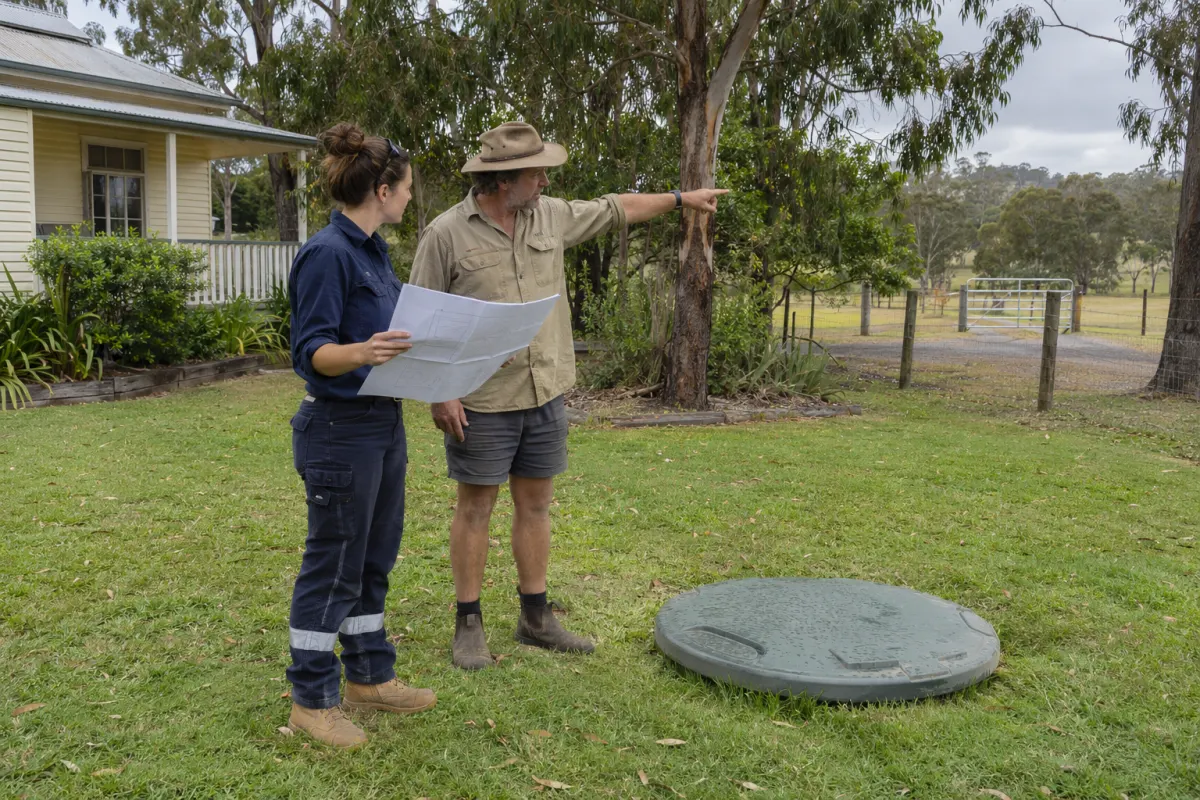
Photos can help someone find the tank, but label what they show and when they were taken. A close-up of an unmarked lid has little value to a technician standing on the other side of a large property. Connect the photograph to the system, not a loose folder named after the customer.
Handle ownership changes
When a property is sold or management changes, confirm the new commercial contact and access arrangements. Decide how future bookings and messages should transfer. Don’t overwrite the old invoice recipient in a way that changes the meaning of already issued documents.
Past reports should describe the visit as it happened. Keep the issued version and the original job history even when current customer or property details change. Your filing process needs to distinguish current operational information from historical evidence.
Limit access to customer information to people who need it for their role. Put gate codes in the intended access field rather than scattering them across emails and printed lists. Our paper run sheet guide covers controlling copies in the truck.
Clean the records gradually
Start with active customers and systems coming due soon. Fix missing contacts, ambiguous system identities and bad map points before polishing every old record. Those are the gaps that interrupt real work.
If you’re bringing in a spreadsheet, preserve the old record numbers and keep a copy of the source. Review a small sample with someone who knows the properties before importing everything. See importing septic business spreadsheets for a repeatable process.
Records in Rangefront Waste
Rangefront Waste links customers, sites and systems, with recent bookings available from each. Systems hold their own identifying details, service dates and open defects. Site access and hazard notes carry onto bookings so the field crew receives the relevant instructions.
The customer and site documentation explains the fields and import process. Once the records are dependable, recurring schedules can use those system dates without relying on somebody’s memory of the customer.