Recording septic site access notes
The right gate, a working contact and clear site notes can prevent a wasted visit. Keep changing details separate from permanent property information.
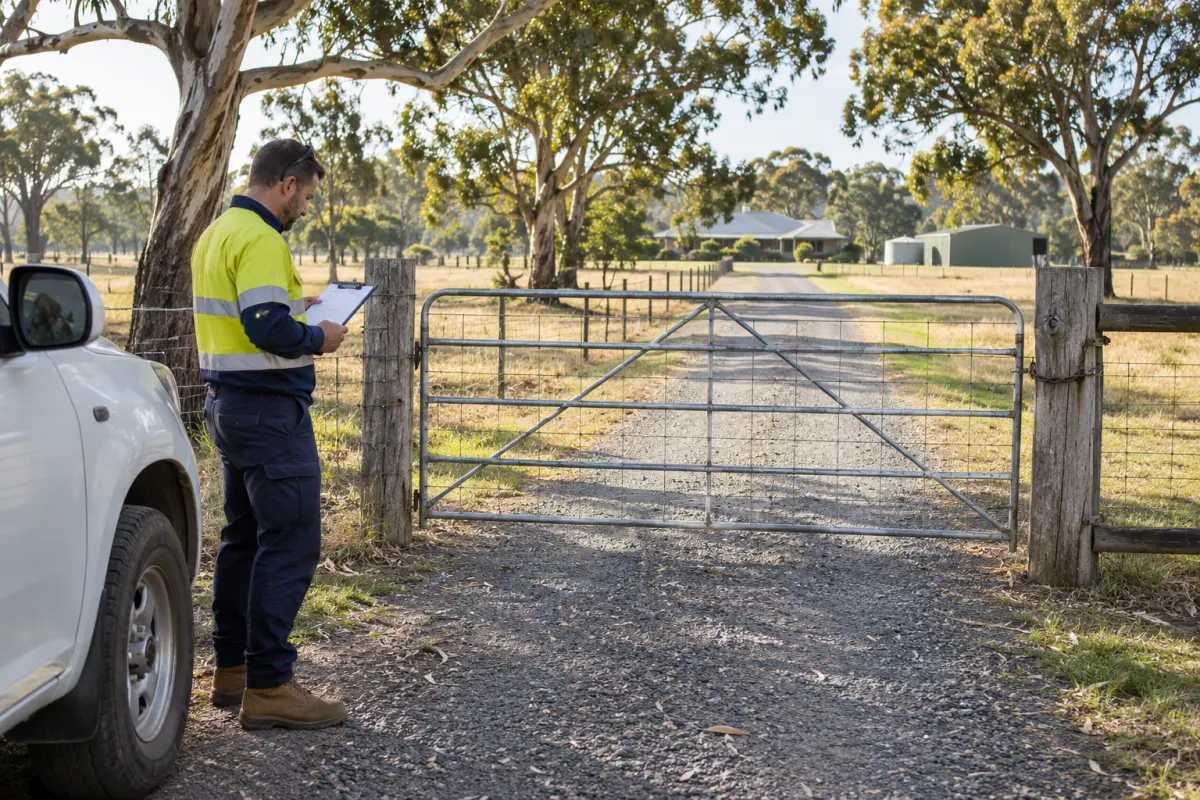
The property address takes the truck to the house, but the service entrance is further down the road. The owner explained it last time to a technician who isn’t on this run. That knowledge is useful only if the next crew can find it before arriving at the wrong gate.
Good site notes are a shared record of access arrangements and reported conditions. They help your crew prepare and ask the right questions. They sit alongside your business’s work planning and safety procedures; a sentence saved against a property doesn’t assess whether a particular job can proceed.
Separate the information
Give access instructions their own place, apart from the service description and billing notes. The crew needs to identify the entrance, where the system is located and who can resolve an access question. Put hazards in a clearly identifiable field so they don’t vanish inside a paragraph about the appointment time.
Keep temporary instructions on the booking where possible. A customer saying the side gate will be open this Tuesday isn’t promising that it will be open at every future service. Permanent site information might describe which entrance serves the treatment plant; the booking carries today’s arrangement.
Use plain language that a new crew member can understand. An instruction to use the usual gate depends on memory. A named entrance and a clear description are easier to check with the customer.
Confirm before dispatch
When booking, ask whether the access arrangement has changed since the previous visit. Check the on-site contact, particularly for rented properties and managed sites. The person receiving the invoice may be unable to open the gate or answer a location question.
Confirm the details your business needs to plan that visit, such as which entrance is available and any arrangements the customer has agreed to make. Record answers as customer-provided information where they haven’t been checked on site.
Avoid filling gaps with optimistic assumptions. If the suitability of access needs checking by someone who understands the truck and work, assign that check before the booking is treated as ready. The note should identify the uncertainty and who is resolving it.
Make notes visible on the device
A useful record still fails if the technician can’t see it offline. Include access and hazard notes in your field app test. Download a sample job, disconnect the device and check what is actually available.
Put the information where it appears before work begins, rather than burying it behind a completed form. If a change arrives after the morning download, use the agreed communication channel and confirm the crew received it. Changing the office record alone doesn’t prove an offline phone has been updated.
Restrict sensitive access details to people who need them for the work. A gate code doesn’t belong in an owner-facing report or an invoice description just because those are convenient text fields.
Keep location evidence understandable
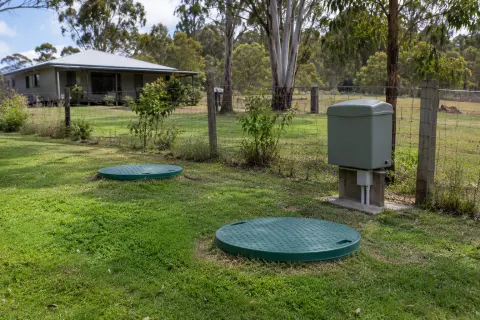
A property pin, entrance point and system location answer different questions. Label them clearly in whichever system you use. A pin at the street address can be correct while still being unhelpful for locating the treatment unit.
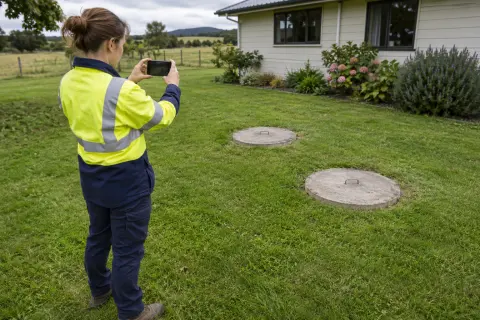
Where your process uses a reference photo, include a caption explaining what it shows and when it was recorded. Keep it relevant to the work; a wide image of the whole property may reveal more than the crew needs. Check that photos remain useful when landscaping, gates or site arrangements change.
Our service history guide explains how to tie records to the particular system instead of relying on a property-wide note.
Correct the record after the visit
Ask the technician to flag incorrect access details while they’re fresh. Record the correction and its date, then remove superseded instructions from the current view. Keep historical visit notes in the visit record so the office can understand what the crew encountered at the time.
If access prevented the job, capture what happened and what must change before a return. Name the person responsible for confirming it. Rebooking the same address without fixing the arrangement is likely to waste another visit.
Rangefront Waste copies site access instructions and hazards onto bookings and shows them to the technician. Separate driveway notes and system coordinates provide more detail. Include these records when reviewing septic service software, and make correcting stale instructions part of the daily handover.