How to complete and submit Queensland Form 11
The service is finished, but the paperwork still has to reach the owner and council. Here's how to complete Form 11 and keep track of both copies.
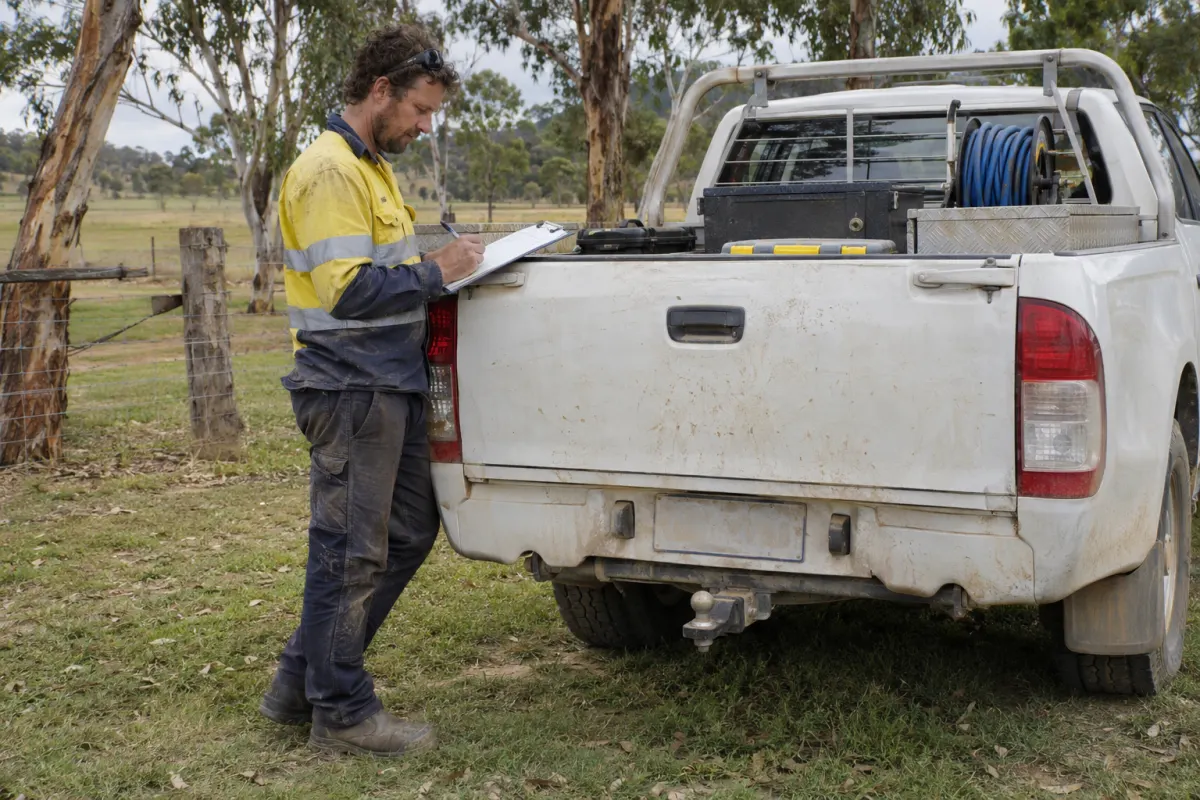
A technician finishes a treatment plant service, the docket comes back to the office, and someone still has to turn the readings into a Form 11. If the property owner gets their copy but the council submission sits in a drafts folder, the reporting work is unfinished.
This guide covers Queensland’s treatment plant service report for service businesses. Official sources were checked on 14 November 2026.
The reporting deadline
Section 106 of the Plumbing and Drainage Regulation 2019 requires a person servicing a greywater use facility or on-site sewage facility to give the owner a service report and the local government a copy within 10 business days after servicing. The report must be in the approved form and describe the facility’s condition.
The deadline runs from the service, so record that date against the reporting task straight away. Set an earlier office target to leave time for a missing detail or a failed delivery. Keep both recipients visible; sending one copy doesn’t complete both obligations.
Get the official form
Business Queensland lists Form 11, Service report treatment plant, with PDF and Word downloads. The linked form is version 1, July 2019. Start there when checking your template, rather than reusing an attachment from an old job.
Form 11 is a treatment plant service report. For a pump-out, installation or other visit, check the facility, work and council requirements before choosing the paperwork. An invoice or disposal docket records different information.
Capture the details on site
The official Form 11 PDF requires all applicable sections to be completed. It covers:
- Property address, lot and plan, council and any council reference.
- Plant type, brand, model and serial number.
- Plant operation, whether desludging is required, and faults.
- Disposal method and land application area condition, including escaping effluent.
- Applicable service readings and equipment checks, plus annual tests where applicable.
- Manufacturer’s service procedure, owner details, technician details and a signed declaration.
Match the record to the physical system before entering results, especially where a property has more than one plant. A previous report helps identify what changed, but the current visit needs its own observations.
Record readings with their units. If a check couldn’t be completed, capture the reason while the technician can explain it, then resolve how it should appear on the report before sign-off. The office shouldn’t have to guess from a blank box.
Check the report
Before sending, compare the completed report with the job record. Is it the right site and plant? Are the service date, technician and licence details present? Do the fault descriptions agree with the answers about whether the system is functioning?
Keep repairs as separate follow-up work with someone responsible for booking them. A fault written on a report is easy to overlook once the PDF has been sent.
Use the applicable approval conditions and manufacturer’s instructions when assessing the results. Form 11 records readings and checks; it doesn’t supply a universal set of passing limits or a service interval for every plant.
Send both copies
Confirm the council’s current submission method and the owner’s delivery details before the first report is due. Keep those instructions against the property or council record so the next person covering the office can find them.
For email, check the attachment and recipient before sending, then watch for a bounce. For a portal, upload the document and save the reference or receipt it gives you. An upload confirmation and council acceptance can be separate events; record what actually happened.
If a submission fails or the council asks for a correction, assign it to someone and keep the original due date visible. Save the corrected version with a note explaining why it replaced the first one. Otherwise a later enquiry can leave the office looking at a different document from the council.
Keep a reporting register
A spreadsheet can work if someone owns it. Give each service a row with its property, service date, due date, owner delivery, council submission and any outstanding action. Review unfinished rows during the week, rather than relying on the technician’s completed-job list.
Store the exact report sent alongside the delivery evidence. That gives you something concrete to check when an owner says they didn’t receive it or a council asks which version was lodged. This is a practical filing recommendation, not a claim about a statutory retention period for service businesses.
Using Rangefront Waste
Rangefront Waste connects field forms to service reports and a compliance queue. Technicians capture the job details in the field app, including offline, and the office can see reports that are due, overdue or need attention. Read about the council reporting workflow and wastewater service management.
Each council’s delivery method needs configuring. Email, SFTP and API submissions can be queued by the system. Portal and manual uploads still need a person to upload the report on the council’s site and record the receipt in Rangefront Waste.
If you’re comparing septic service software, use the live demo to follow a report through those steps. Check the pricing, or start a trial and test the workflow with the councils you report to.