Moving a septic business from paper run sheets
Start with the information the crew needs and the records the office must get back. Then change one complete run before moving the whole business.
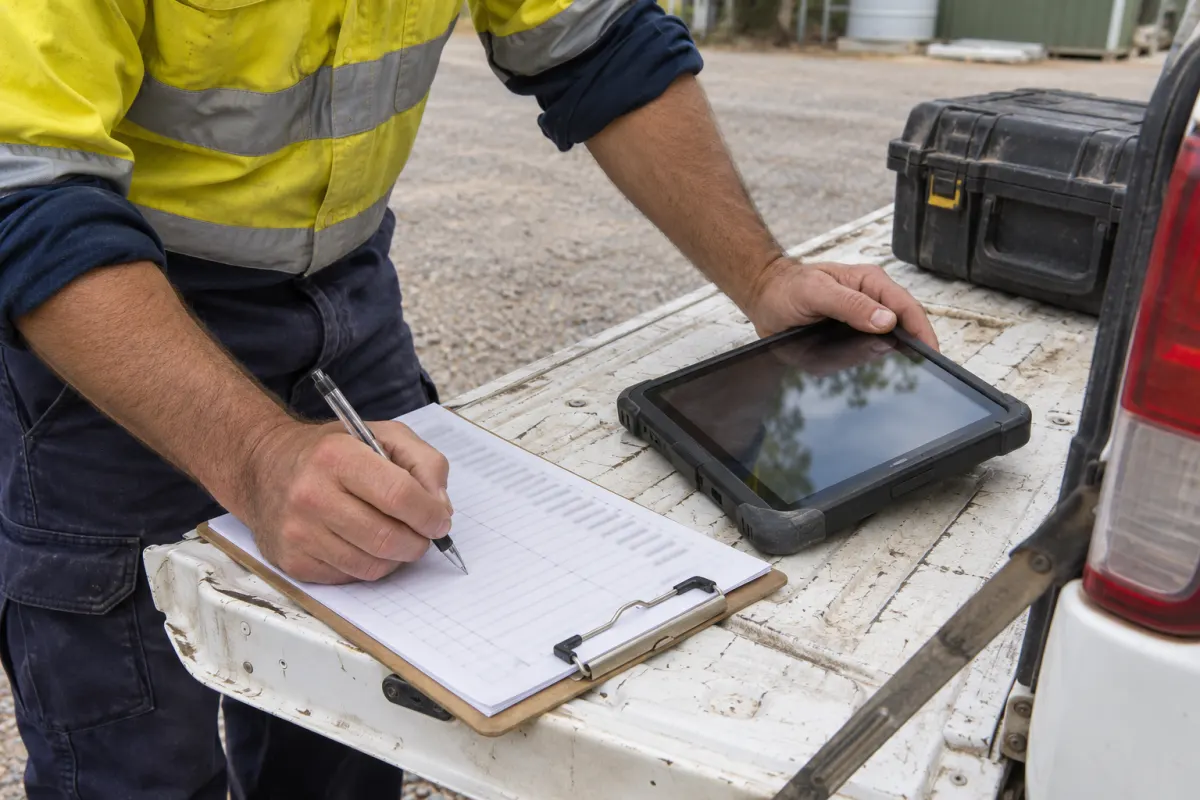
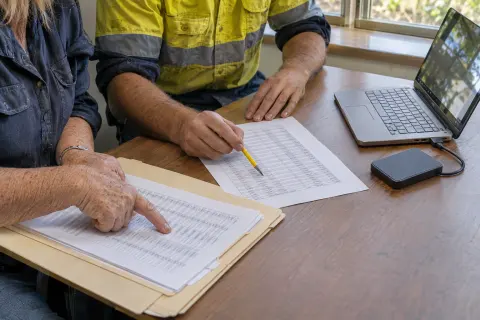
A paper run sheet does more than list addresses. It tells the driver what the office promised, carries the notes made at the tank and brings enough information back to raise the invoice. Replacing the printed page without replacing those jobs leaves work falling between the phone and the office.
Map the full trip of the information before changing the tool. Pick a recent completed run and follow it from the first booking to the final report and invoice.
Find what the paper carries
List what the crew reads before leaving, what they add during the visit and what the office transcribes afterwards. Include the handwritten shortcuts staff understand but a new employee wouldn’t: crossed-out stops, arrows changing the order and a circle meaning call the owner.
Ask which information belongs to the property and which belongs to this visit. A permanent gate instruction should live with the site; today’s agreement to arrive after lunch belongs on the booking. Separating those details stops old visit notes becoming accidental instructions for next year.
Check the return journey too. Who receives the sheet, who checks incomplete work and who types the quantities into an invoice? You need an equivalent owner for each step when the paper stops coming back.
Clean only what the pilot needs
Choose a normal run with a manageable mix of customers and sites. Prepare those records properly, including map points, contact details, tank identities and access notes. Don’t delay the pilot while somebody tries to perfect every archive folder.
Keep the source records until you’ve checked the new ones. If a spreadsheet supplies the customer list, preserve its identifiers so you can trace each imported property back. The spreadsheet import guide covers testing that transfer.
Assign a person to resolve missing details. The crew shouldn’t discover at the gate that nobody knew which field held the access contact. Fixing those gaps during a small run is the point of the pilot.
Test a whole visit
Have the technician open a dispatched job, read the instructions, record the required work and return it for office review. Use the device they will carry, with the normal screen size and working conditions.
Check the weak points deliberately. Download the work, then test field capture without mobile coverage. Reconnect and verify that notes, forms and photos arrive against the right job. A successful sign-in in the depot doesn’t demonstrate an offline day in the truck.
In the office, review the completed records and produce the documents that normally follow. Confirm that the right person receives the report and that the invoice uses the actual work recorded. Don’t call the trial successful while staff are still retyping from a private notebook.
Choose one current record
During the pilot, say clearly which system controls the schedule and where changes must be recorded. If paper and digital lists are both editable without reconciliation, they will drift apart before lunch.
A printed fallback can still be useful. Date it, identify the run and establish what happens to handwritten changes. Bring those changes into the live record before the next run is prepared. The printed sheet is a controlled copy, rather than another schedule running independently.
Keep customer information on paper to what’s needed for the work and follow your business’s handling process. A sheet with gate codes and phone numbers shouldn’t remain on a dashboard indefinitely after the job is closed.
Change the office routine
Replace the pile of returned sheets with a visible review queue. Someone needs to check field records, identify follow-up work and approve completed visits. Marking a job finished in the truck shouldn’t hide an unresolved problem from the office.
Agree what the driver does when work can’t be completed. Record the reason and the next action rather than using the same completion tick as a successful visit. Our dispatch handover checklist helps the next shift see those exceptions.
After several normal runs, ask where staff still resort to paper and why. The answer may be a missing field, poor device mounting or a process nobody explained. Fix the specific obstacle before extending the rollout.
Digital runs in Rangefront Waste
Rangefront Waste dispatches scheduled jobs to the field app, carrying site instructions and hazards. Technicians can save checklists, notes, photos and signatures offline, then sync when coverage returns. A finished visit can enter Needs review for the office to approve or send to follow-up.
The field app documentation describes saved work and syncing. Start with one run in the septic pumping workflow and verify the records at both ends before changing the next crew’s day.