How to complete and submit Queensland Form 11
The service is finished, but the paperwork still has to reach the owner and council. Here's how to complete Form 11 and keep track of both copies.
Read the guidePractical advice for the office and the truck: repeat servicing, pump-out runs, field records, council paperwork and getting paid.
The service is finished, but the paperwork still has to reach the owner and council. Here's how to complete Form 11 and keep track of both copies.
Read the guide
One address can have several tanks with different work due. Give each system its own history and make the booking clear enough for a different technician.

Before the device goes on charge, check what the office received and who owns the unfinished work. A completed run can still have loose ends.
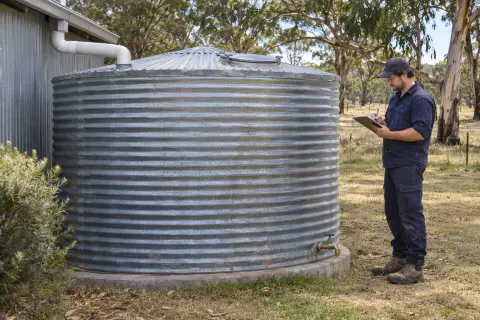
Record the tank, the agreed cleaning work and what happened on the visit. Keep any separate testing or repair work clearly identified.
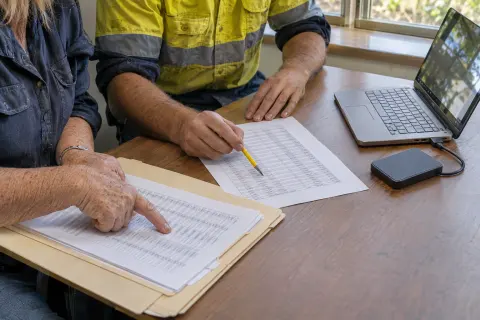
Keep the old record numbers and check what each column means before importing. A clean-looking spreadsheet can still attach the right tank to the wrong customer.
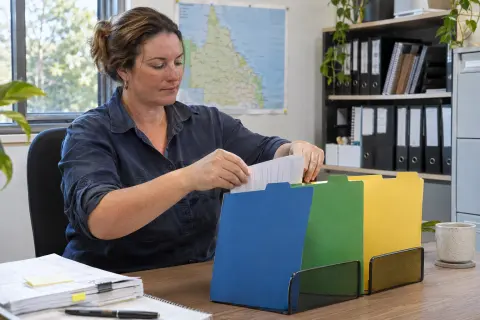
A state template is a starting point. Your office still needs the right form, delivery route and owner-copy process for each council it reports to.
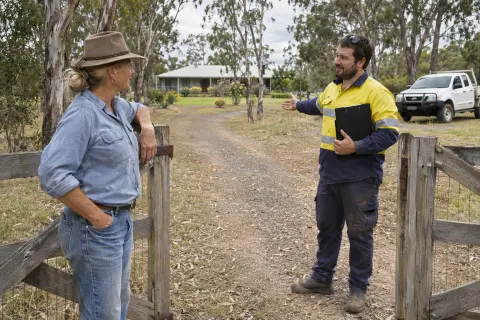
Customers need the information that lets the visit happen. Keep booking, access, service and billing messages connected to the same job.
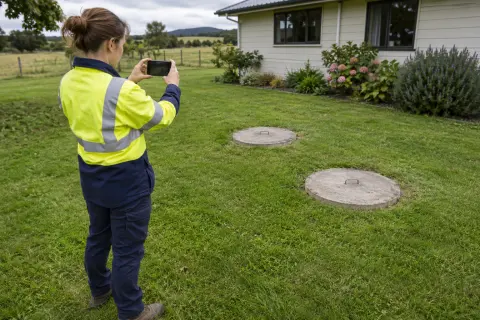
A folder full of close-ups leaves the office guessing. Tie each photo and signature to the visit and explain what it records.
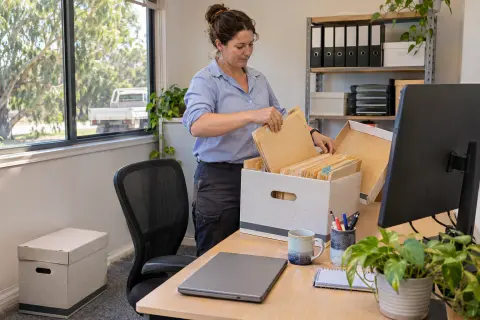
Move a checked sample first. Set the cutoff for live bookings and decide where old reports and unpaid invoices will stay.
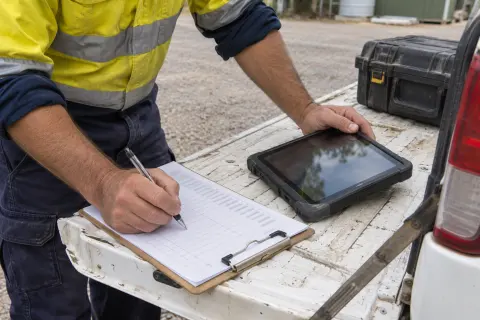
Start with the information the crew needs and the records the office must get back. Then change one complete run before moving the whole business.
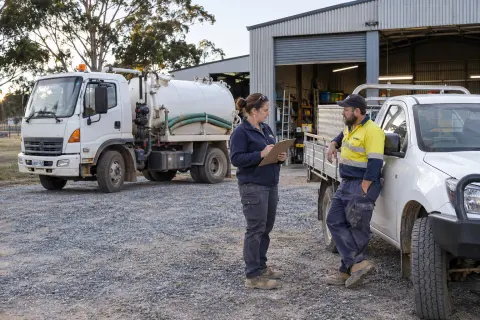
The next dispatcher needs to know what has changed and what still needs a decision. A full calendar doesn't show either clearly enough on its own.
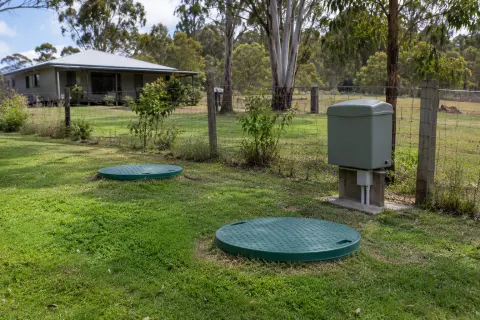
A property can change owners or contain several systems. Give each plant a stable record so its service history remains understandable.

Ask a vendor to follow one of your jobs from the phone call to the invoice. The awkward details tell you more than a feature checklist.

A reminder should tell the customer what is happening and what they need to do. Decide whether you're asking them to book or reminding them about a visit already arranged.
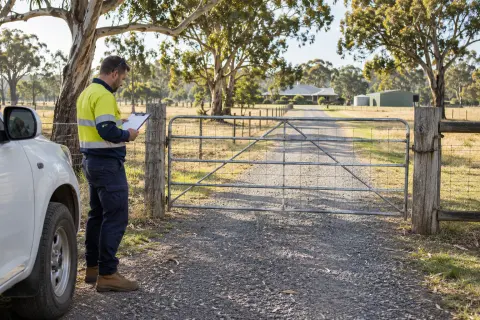
The right gate, a working contact and clear site notes can prevent a wasted visit. Keep changing details separate from permanent property information.
The useful accounting connection starts with a clear decision about which system sends the invoice and which records need checking.
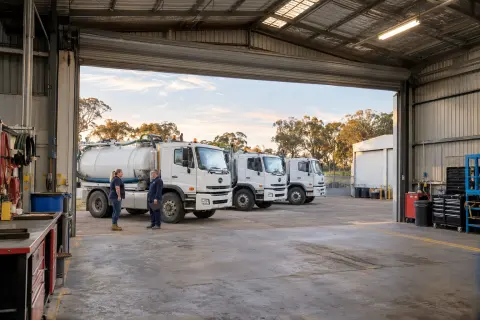
A busy month is easier to manage when you can see the work coming due before customers start chasing it. Plan capacity in working hours as well as job counts.
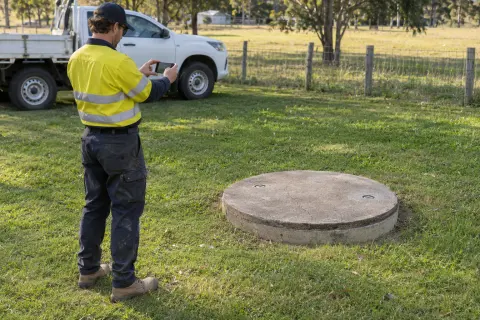
A fault mentioned in a service report can be forgotten as soon as the visit is closed. Give it a record that stays open until someone resolves it.
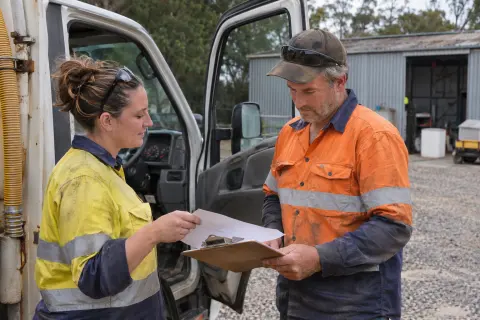
A busy truck can still be doing work at a loss. Start with the records behind each job before changing your prices.

The booking needs to survive after the person who answered the phone has gone home. Capture the property, the work requested and the promise you've made.

Find out whether the problem is delivery, missing information or the report itself. Then give the correction an owner and keep the earlier version.
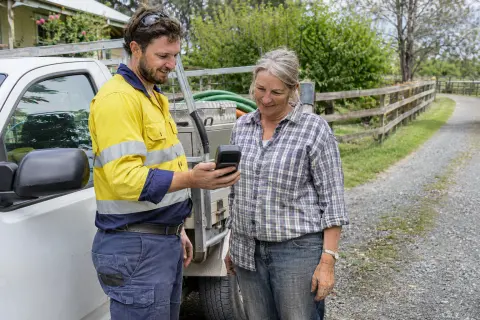
Make it clear how the customer can pay, which invoice the payment belongs to and who checks that the balance has updated.
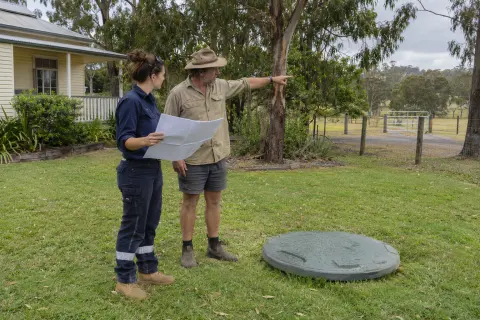
A customer, a property and a tank are different records. Keeping those links clear makes bookings easier and stops one property's details being used at another.
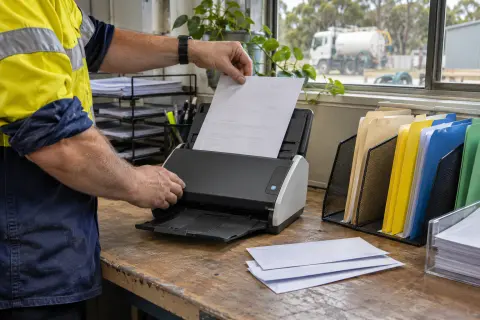
A PDF in Sent mail only answers part of the question. Keep the report, delivery evidence and outstanding action together.
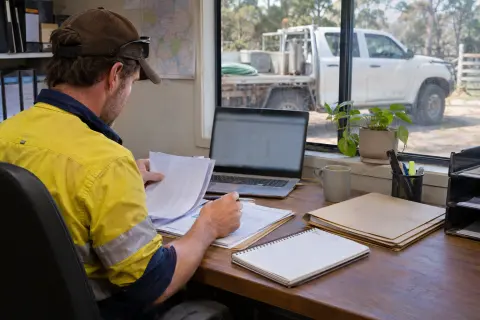
A finished job can still have missing charges, the wrong billing contact or a deposit that needs checking. Use this office review before sending the invoice.
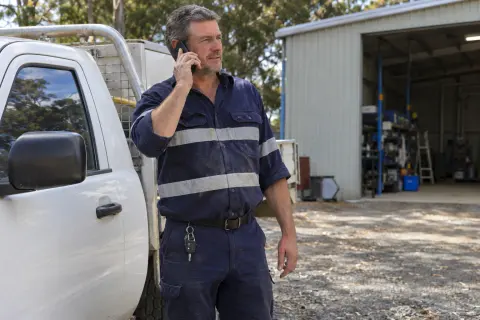
An urgent call needs someone responsible for the response. It also needs a record of what was promised and which existing jobs have changed.
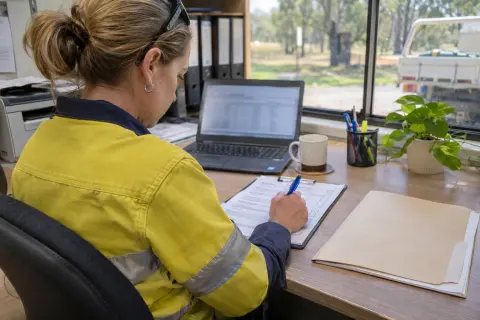
Check the parts that cause rework before issuing the report: the system, the visit, unexplained answers and the people who need a copy.
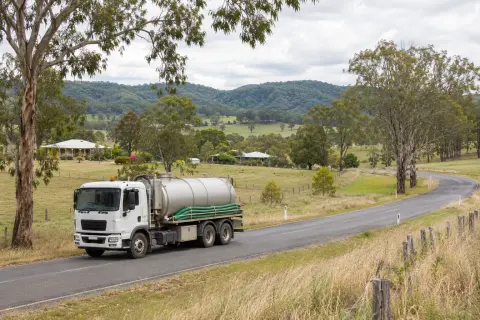
A shorter drive helps, but a workable pump-out run also needs time at each tank, somewhere to unload and a plan for the stop that doesn't go to plan.
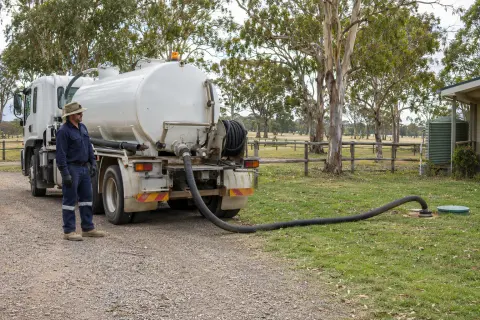
A pump-out price needs more than an address. Record what you know, what the customer has agreed to and what would change the charge.
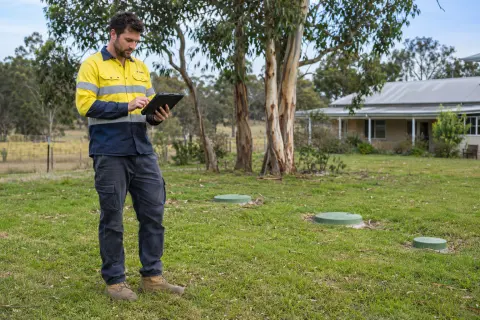
A saved tick on a phone doesn't tell the office whether a job arrived. Test the whole trip from morning download to the final photo upload.
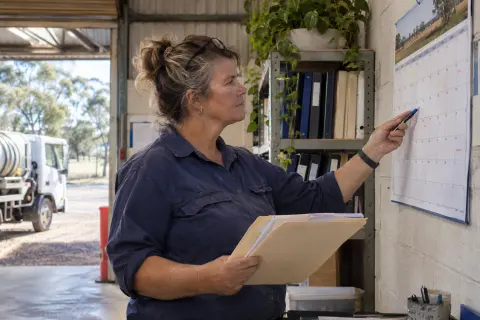
A tank being on your customer list doesn't mean its next visit is booked. Keep the service obligation, the booking and the completed visit separate.
No guides match that search. Try another topic.
Fifteen days free with your customers, your councils and your crew. Add a card to start, and cancel before day 16 if it's not for you.